
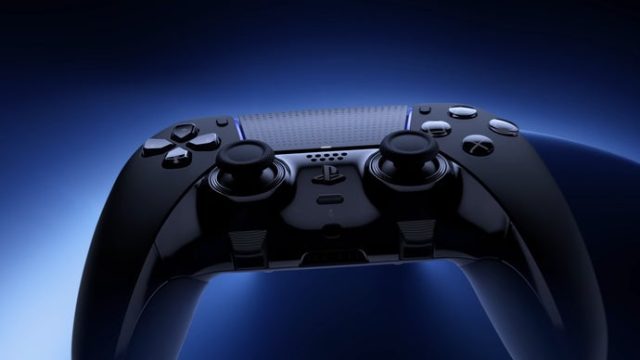
The PlayStation DualSense controller has revolutionized gaming with its innovative features, making it a hot topic among gamers. As the gaming landscape continues to evolve, players are increasingly looking for ways to enhance their experience, especially on PC. In this guide, we'll explore how you can fully utilize your DualSense controller's capabilities on your computer, from downloading essential software to installation steps.
With its advanced haptic feedback, adaptive triggers, and integrated microphone, the DualSense controller offers a level of immersion that standard controllers often lack. Although originally designed for the PlayStation 5, this controller can provide a unique gameplay experience on PC as well. In a world where gaming experiences are becoming increasingly dynamic and immersive, now is the perfect time to upgrade your setup with the DualSense controller. Here's what you need to know.
The DualSense controller is compatible with various platforms, but its full feature set is best experienced on a PC with the proper configurations. Currently, you can connect your DualSense controller to your PC via USB or Bluetooth. However, if you want to take advantage of its advanced features, you'll need to install specific software. Here are the platforms where the DualSense controller can shine:
To ensure that you can fully utilize your DualSense controller on PC, here are the essential system requirements:
To get started with your DualSense controller on PC, follow these steps to download the required software:
To maximize your gaming experience with the DualSense controller on PC, consider the following tips:
The DualSense controller is an incredible piece of hardware that enhances your gaming experience on PC when configured properly. By following this guide, you’ll unlock the full potential of your controller's features and elevate your gameplay. Don’t miss out on the chance to immerse yourself in your favorite games with enhanced feedback and control. Download the necessary software today and discover what the DualSense controller can truly offer!


























